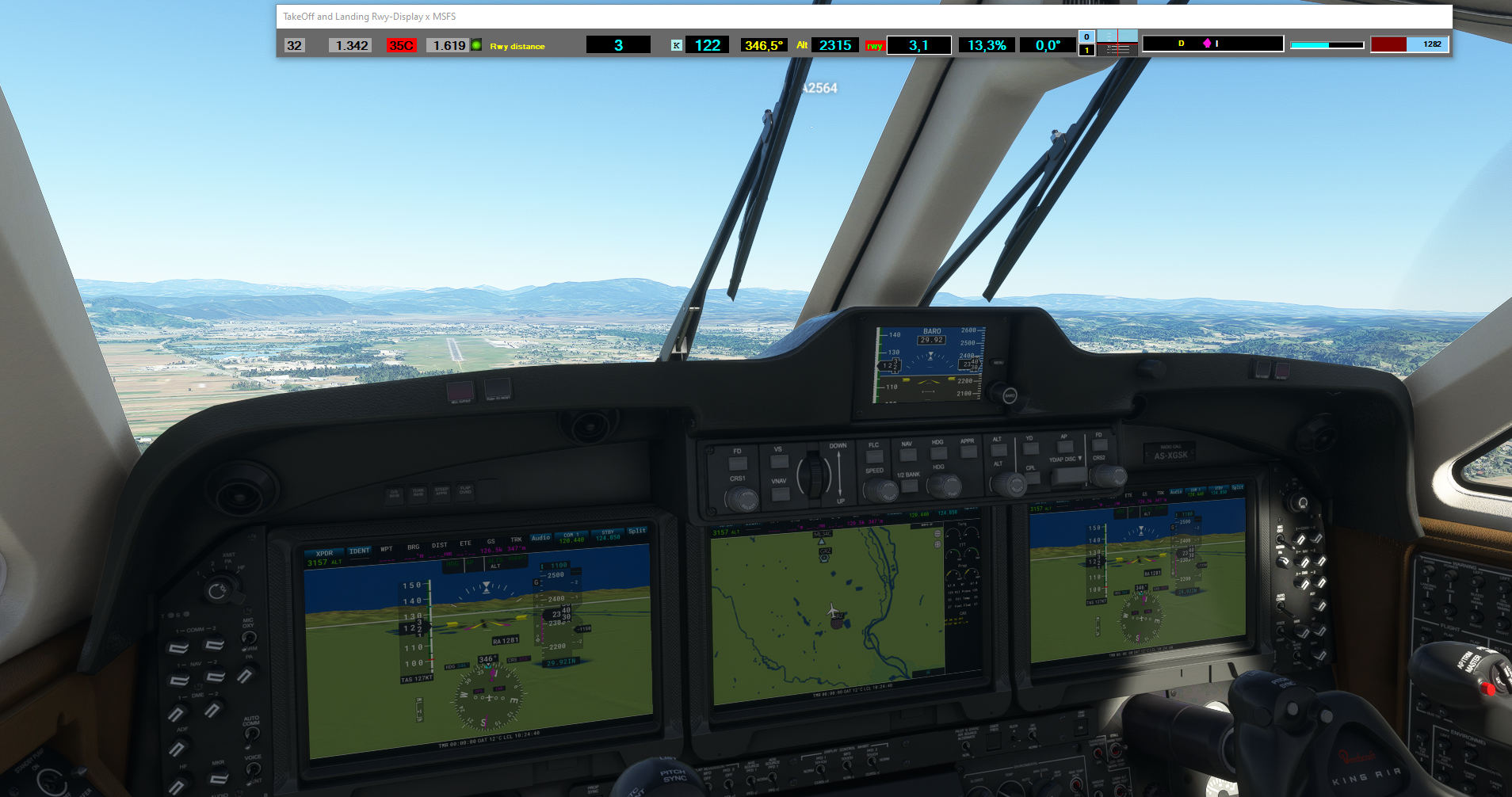
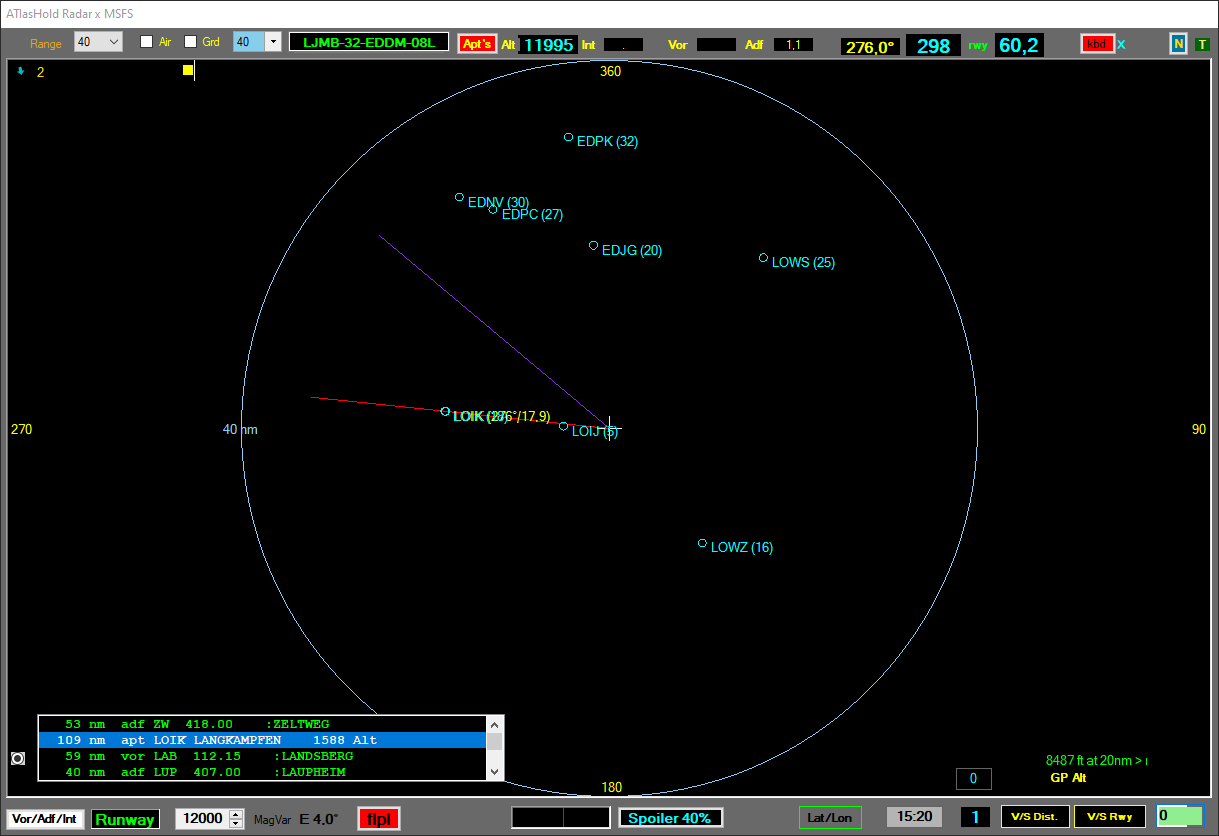
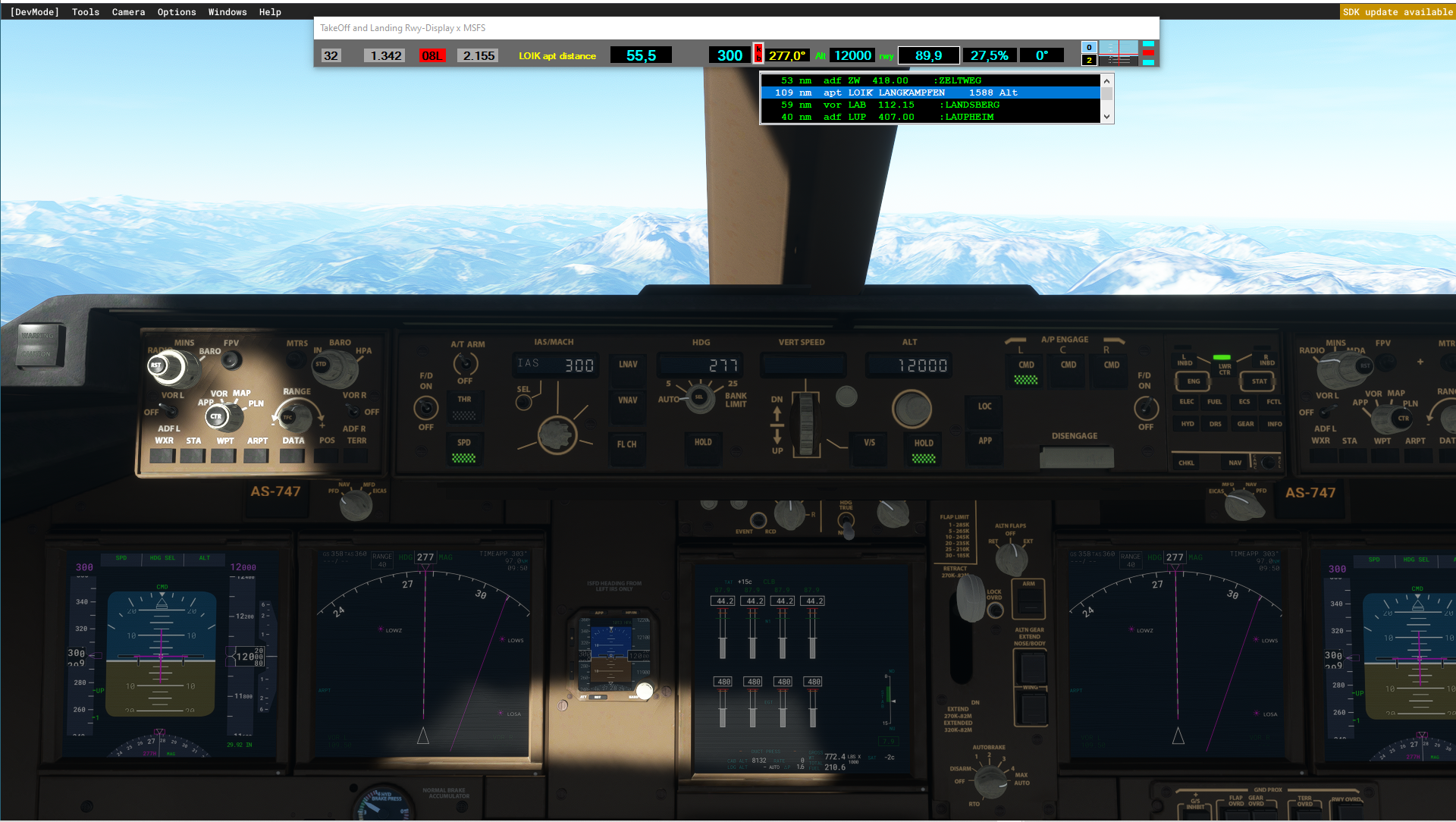
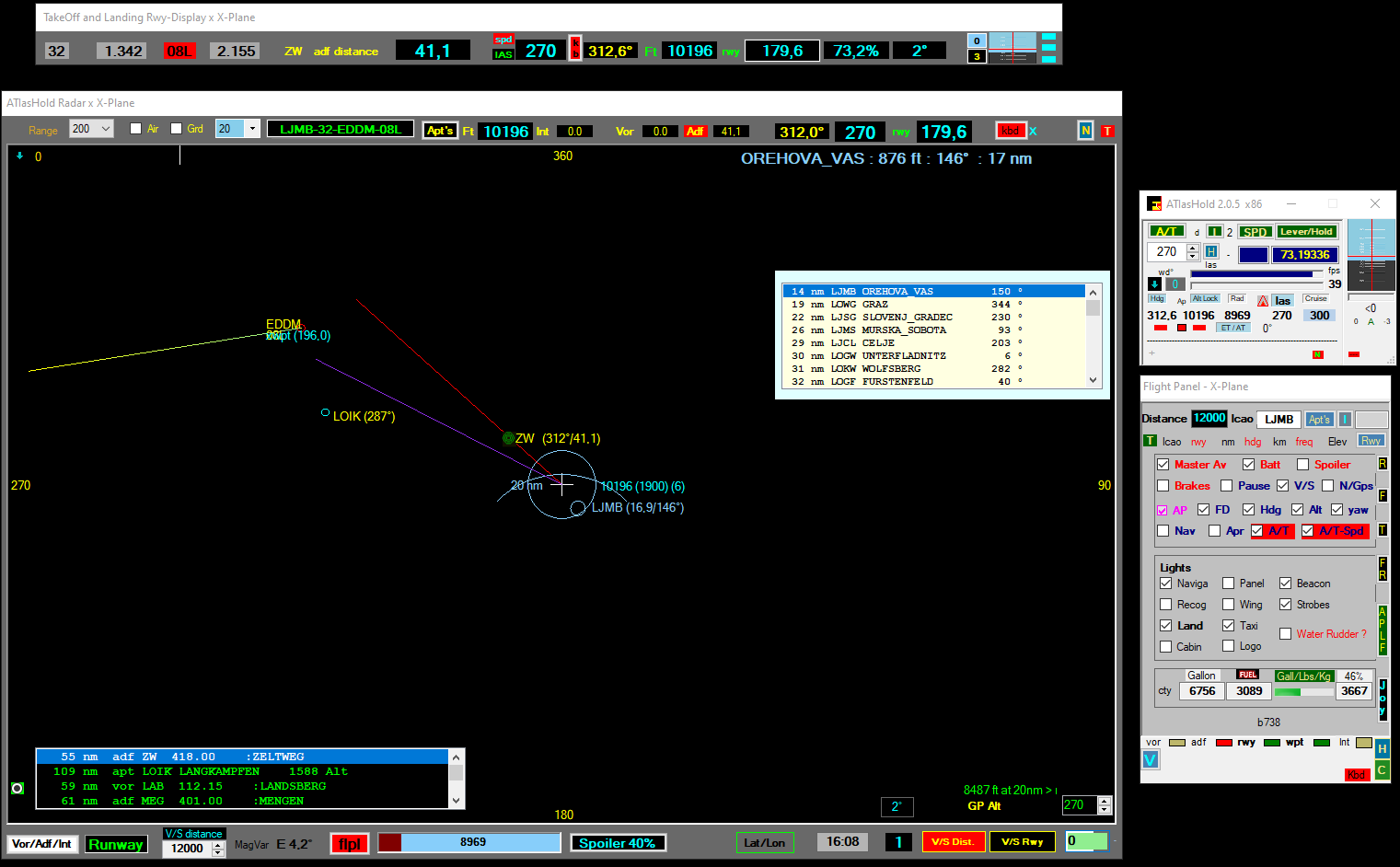
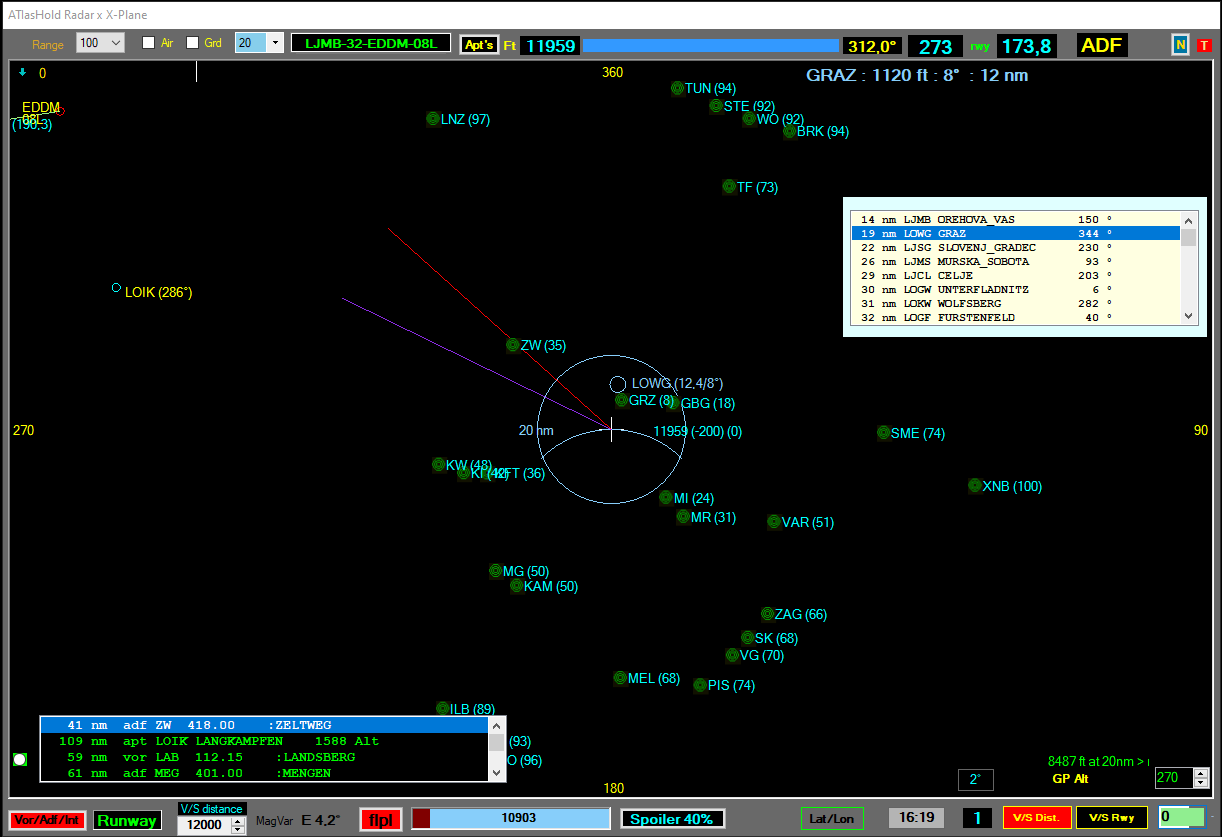
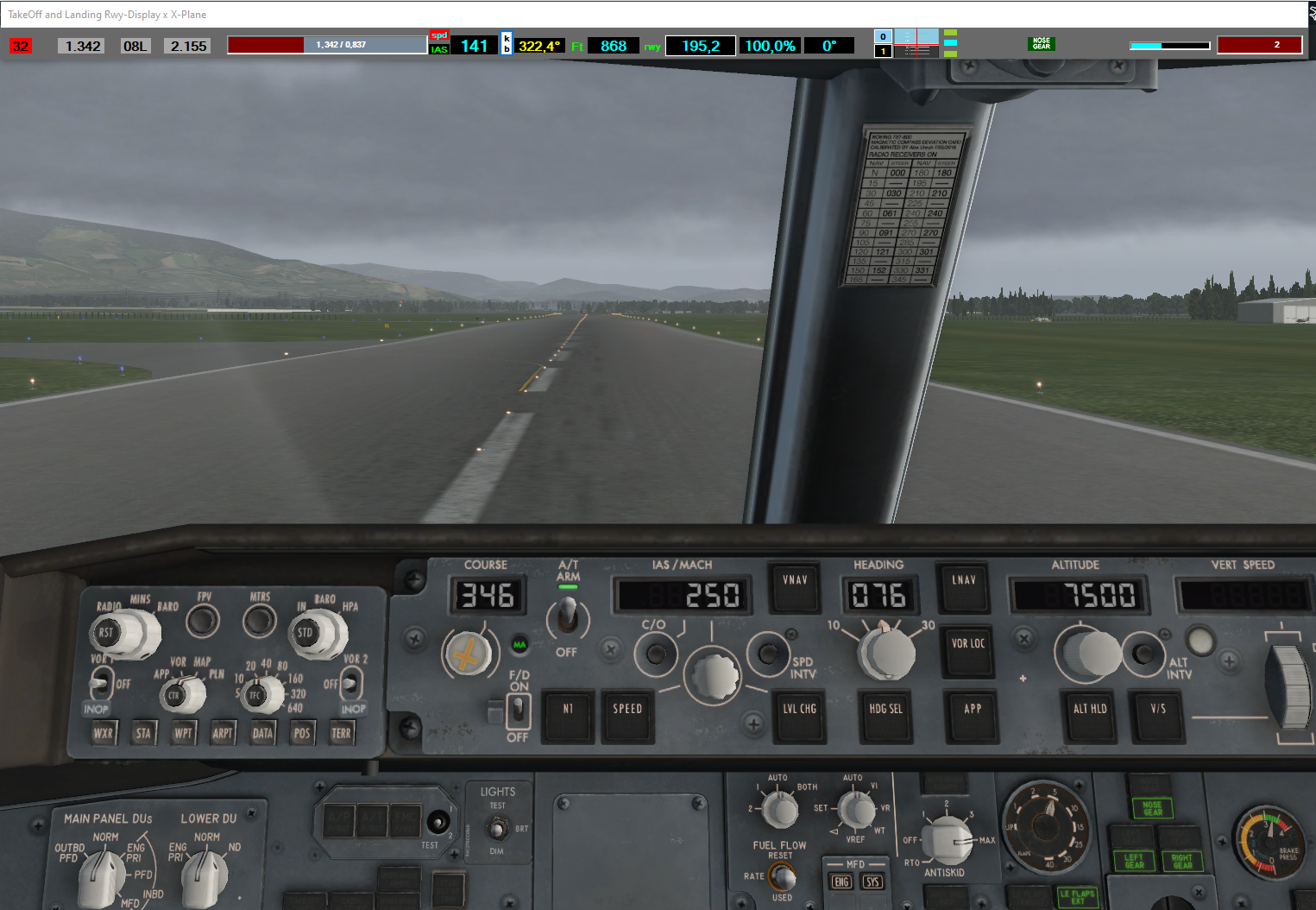
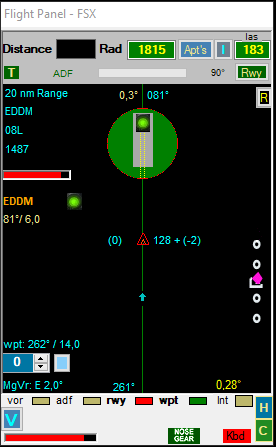
The ATIasHold Program is a professional Software dedicated to all Flight Simulator user.
This Program is 100% Freeware.
Copyright 2011 - 2023 by Intrasystem - Raimund Forstmeier, Padova / Italy.
View this page with Full Size.
Maybe you don't like this Web-Page design. The Intrasystem Web-Page is monitored by Contentsquare (ex ClickTale).
With this design visitors are 'more reading' than playing with the mouse!
Pls. use the Arrow-Keys Down/Up for scrolling.
The Official Intrasystem-ATIasHold Support Forum Here
Assistance is only possible when a request is of general interest.
This program is tested by several user with a good general background.
This Software is "Freeware" and assistance is excluded.
Most requests and issues are solely due to 3 factors:
- Non-patronage of a PC
- Lack of reading the various [H] elp and ToolTips.
- Use of technology without deepening the basics.
Ideas of general interest are Welcome.
Check your installed FrameWorks. Maybe you need a update.
ATIasHold particular features and included Intrasystem programs.
- ATIasHold: Hold the Speed with any Airplane. No need of any Autopilot. Using only the Engine Pressure.
- A Virtual Runway Waypoint is created for any Runway at 20 nm in front of the Runway. You never get Lost!
- A virtual Runway is created at any World-Position. Just Click on the [ V ]Button.
..... the virtual Waypoint is created you flyto and approach the virtual Rwy. Consider it on the Water.
..... Save + Select virtual runways Editor. The Virtual Waypoint is leading you to the Runway.
- Automatic V/S Descentometer
- Precise Glide-Slope Diamond
- A complete Primary Flight Display (PFD)Instrument is present.
- The Radar is indicating the slightest Runway Center deviation (On Top). Useful in the dark.
- Automatic V/S Runway Glide Path Approach.
..... Pilot is responsable for: Gear, Speed, Flaps, Trim following the Glide-Slope
- A separate Runway TakeOff and Landing View with Flight Data, PDF, Glide-Path Slope and ALT Advice below 2000 ft.
- Joystick connections. (Editor x Joystick + Keyboard) (33)
- BackGround View with 4 different colors that covers your Desktop behind the ATIasHold Views. (example: 2. Monitor)
Included programs:
- MouseClicks. Executes in sequence for example the engine start.
- FullSize Window for FSX + Listing all your actual open programs by Title.
- Frameworks - Check your actual installed Frameworks.
- AddAirports. Modify or create Airports for ATIasHold.
- RwyLenght for ATIasHold: extracting data from ' Make Runways '.
..... Credits to Pete Dowson the author of the MakeRunways utility.
- AiracStructure - a unique Text (txt, csv ...) database Converter. Reading, positioning at xy and extracting any data.
ATIasHold is only working with internal real world Mathematic-Formulas based on Coordinates.
Credits to the work of Ed Williams and his Aviation Page: Here
The small Precision Approach Radar
The new ATIasHold is now ready for download. Version 2.0.5
You can download the PDF File including all the new Features with details. Version 2.0.4 MAR/01/2023
ATIasHld.pdf file. Please READ the Page: ATIasHold New ... and the next new Readme update file..
Pls. read the UPDATE 2.0.5 Readme File: (SEP/27/2023) Here
The ATIasHold Edition (Freeware) can't be downloaded without request. (avoiding WEB-Scanning)
Pls. send a e-mail to: raimund.forstmeier@fastwebnet.it
Your e-mail address should be always the same! (UpDate notice)
Should you not be able to extract the files from the .zip please try using WinRAR or the like.
Please read the ATIasHld.pdf file before installing this program. (ATIasHold New ...)
Please read the UPDATE Reame File.
ATIasHold Download x FrameWorks 3.5+ - Version 2.0.5 SEP/27/2023 - Complete Installer (last update).
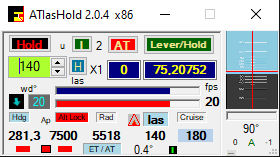

 Copyright 2011 - 2023 by Intrasystem - Raimund Forstmeier, Padova / Italy.
View this page with Full Size.
Copyright 2011 - 2023 by Intrasystem - Raimund Forstmeier, Padova / Italy.
View this page with Full Size.